


A Simple Guide: How to Set Up Your Samsung Galaxy S23+ Smartphone
-
Step 1: The Initial Unboxing Experience
As you unbox your Samsung Galaxy S23+, take a moment to appreciate its sleek design inspired by nature. This smartphone is available in a range of gorgeous colors, including Lavender, Lime, and Graphite, all created using natural dyes. The device itself is crafted with recycled materials, demonstrating Samsung's commitment to sustainability.
-
Step 2: Setting Up Your Device
- Power on your Samsung Galaxy S23+ by pressing and holding the power button on the right side.
- Follow the on-screen instructions to choose your preferred language and region.
- Connect to a Wi-Fi network to ensure a smooth initial setup.
-
Step 3: Personalization and Accounts
- Insert your SIM card using the provided SIM ejector tool.
- Sign in with your Google account or create one if you don't have an account. Your Google account is essential for accessing a variety of services on your device.
- Set up security features, such as a PIN, password, or biometric authentication (fingerprint or face recognition), to safeguard your device.
-
Step 4: Exploring Special Features
- Customize your home screen with apps and widgets that suit your preferences.
- Navigate through the device settings to configure display brightness, sound, notifications, and more.
- Visit the Google Play Store to download essential apps for messaging, email, and social media.
Your Samsung Galaxy S23+ is packed with innovative features:
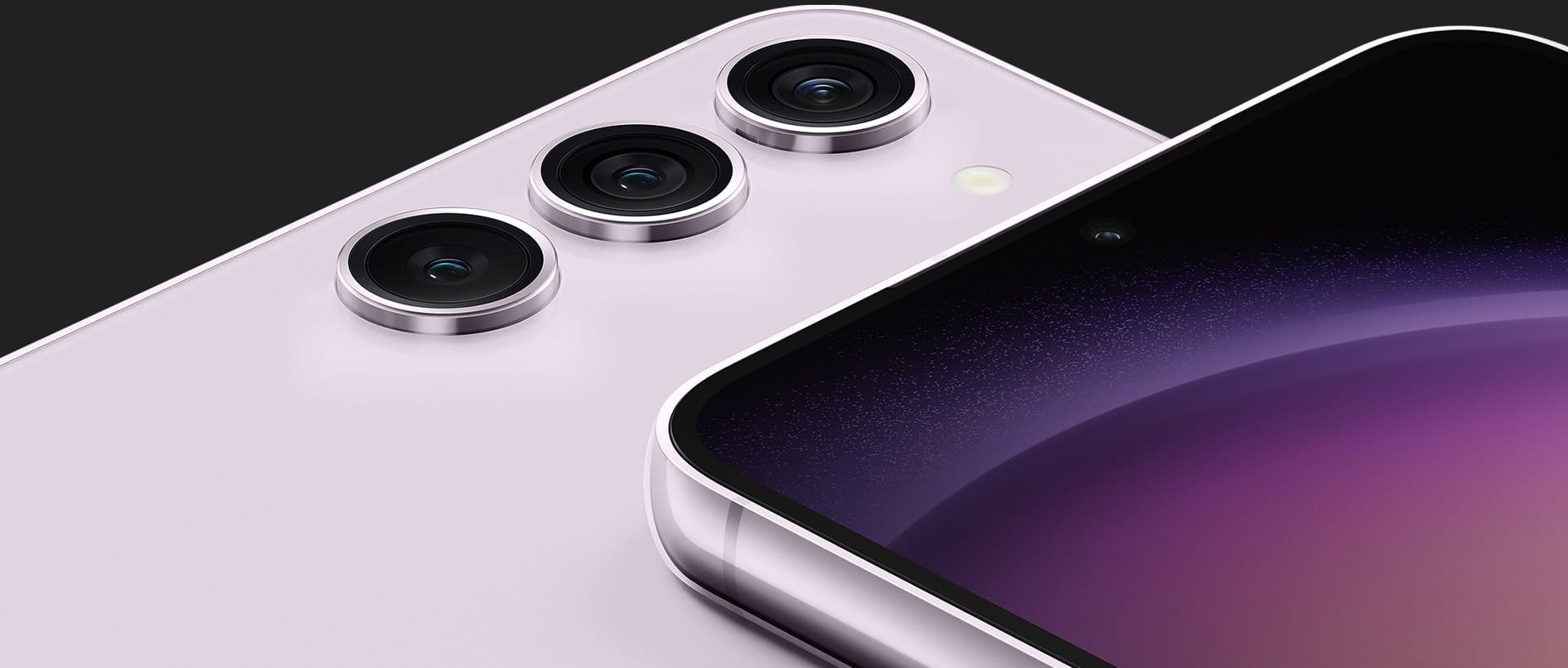
- The Pro-grade Camera offers exceptional photography capabilities with a 50MP wide-angle camera, a 3x optical zoom telephoto camera, a 12MP ultra-wide camera, and a 12MP selfie camera.
- The Nightography camera, powered by enhanced AI, excels in low-light conditions, producing bright and colorful night shots, both photos and videos.
- Explore the Expert RAW mode for capturing high-resolution photos in RAW format, catering to photography enthusiasts.
-
Step 5: Enjoy Your Samsung Galaxy S23+
Your Samsung Galaxy S23+ is not just a smartphone; it's a statement of innovation, sustainability, and exceptional design. With a stunning display, durable build, and remarkable camera capabilities, it offers a premium user experience.
Whether you're an avid photographer or simply seeking a device that combines style and substance, the S23+ is the perfect choice. Embrace the future of mobile technology with your new Samsung Galaxy S23+.
Add a comment