


How to Enhance Your Workspace with ViewSonic vCast for ViewBoard Box
Boost Your Productivity: Enhance Your Workspace with ViewSonic vCast for ViewBoard Box
In an age where efficiency is paramount, equipping your workspace with the right tools is essential for maximizing productivity, whether at home or in a professional environment. The ViewSonic vCast for ViewBoard Box is an innovative solution specifically designed to optimize your daily workflow by enabling seamless connectivity and collaboration. Discover how you can leverage this transformative technology to create a highly effective workspace.
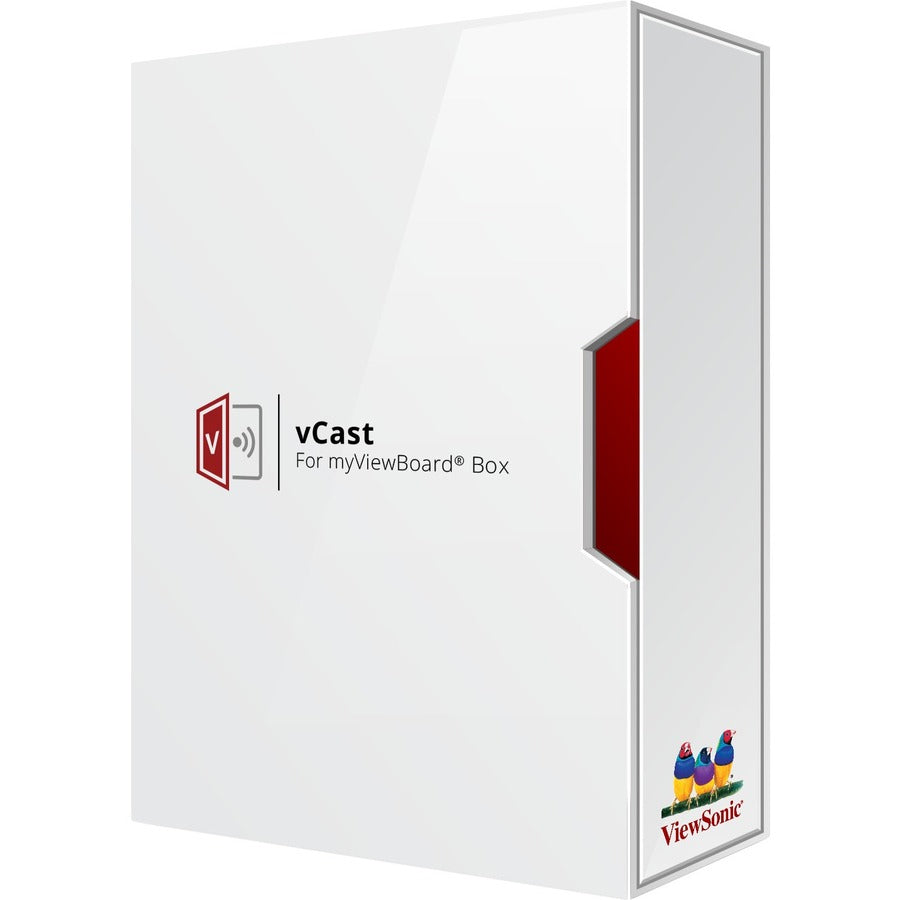
1. Explore the Capabilities of the vCast Box
- Wireless screen sharing: Effortlessly share content from any device, enhancing collaboration.
- Universal compatibility: Works with Windows, macOS, Android, and iOS devices.
- Quick setup: Enjoy a hassle-free plug-and-play installation process.
2. Step-by-Step Guide to Setting Up Your vCast Box
Getting started with the vCast Box is simple:
- Connect the vCast Box to your ViewBoard screen.
- Join your Wi-Fi network for seamless connectivity.
- Download and install the necessary apps on your devices for full functionality.
3. Elevate Your Presentations with Screen Sharing
Utilize the vCast Box to make your presentations more impactful:
- Present slides directly from your laptop or tablet for a professional touch.
- Engage your audience with real-time interaction and feedback.
- Focus on delivering your message without distractions.
4. Foster Team Collaboration with vCast
Enhance teamwork by:
- Quickly sharing documents and resources during meetings.
- Allowing remote access for team members working from different locations.
- Conducting brainstorming sessions with shared screens for effective idea generation.
5. Streamline Your Daily Workflow
Improve your daily routines and efficiency:
- Use calendars and shared screens to effectively schedule meetings.
- Easily access and display project management tools.
- Integrate video conferencing apps directly through your ViewBoard for simplified communication.
6. Discover Versatile Use Cases for the vCast Box
The vCast Box adapts to various environments, making it ideal for:
- Education: Enhance learning experiences with engaging interactive content.
- Corporate environments: Improve communication and reduce meeting durations.
- Home offices: Create a productive and clutter-free workspace.
7. Monitor Performance for Optimal Functionality
Closely monitor your device's performance to ensure reliability:
- Check connection stability to avoid interruptions during use.
- Regularly verify device compatibility and software updates.
- Utilize feedback tools to enhance user experience and address concerns.
8. Implement Robust Security Features
Protect your data with essential security measures:
- Always use encrypted connections to transmit sensitive information.
- Regularly update passwords and access configurations to maintain security.
- Educate your team on best security practices to foster a safe environment.
9. Troubleshoot Common vCast Issues Efficiently
Quickly resolve common issues you may encounter:
- For connection problems: Restart the vCast Box and check your Wi-Fi connection.
- To fix screen lag: Ensure all connected devices are updated and compatible.
- For audio issues: Check and adjust the volume settings on the vCast Box and your devices.
10. Future-Proof Your Workspace with vCast
Invest in scalable solutions for long-term success:
- Stay informed about vCast Box updates to enhance its capabilities.
- Explore other ViewSonic products to create a comprehensive ecosystem.
- Keep up with the latest tech trends to continuously adapt your workspace.
By integrating the ViewSonic vCast for ViewBoard Box into your routine, you can significantly enhance your efficiency and promote collaboration in both personal and professional contexts. For more information or inquiries, feel free to contact us at …. Additionally, learn more about the ViewSonic vCast for ViewBoard Box and elevate your workspace today!